8 Free PDF Watermark Tools Worth Trying This Year
People love the word “free” until the export button appears. That is usually where PDF tools start changing the rules. The editor works fine right up until the moment the file gets downloaded with a giant branded overlay, missing features, page limits, or a paywall that suddenly appears after everything was already uploaded.
Free PDF watermark tools are especially guilty of this.
A lot of them technically allow watermarking, though the experience can vary wildly depending on what somebody actually needs. Adding a small “Draft” label to one page is very different from branding fifty client PDFs with a transparent logo. Some tools handle that without problems. Others start breaking down pretty quickly once the workflow becomes even slightly more demanding.
At the same time, not everybody needs premium PDF software. Many people only watermark documents occasionally. A teacher uploads worksheets once a week. A freelancer brands a proposal before sending it out. A creator protects a downloadable guide. For those situations, a solid free editor is usually enough.
The tools below are the ones people continue using because the free versions still feel usable instead of being aggressively restricted.
What actually matters in a free watermark tool
Most comparison pages focus too much on feature lists. In reality, people notice smaller things first.
Does the editor feel slow? Does the watermark look clean after export? Can you place a logo properly without fighting the interface? Does the free version remain usable after the first file?
Those details matter more than long marketing checklists.
The better free tools usually offer:
- Clean exports
- Easy watermark placement
- Support for logos and text
- Fast browser editing
- Simple controls
- Decent free limits
- Mobile compatibility
Some also feel dramatically more modern than others.
There are still PDF editors online that look untouched since 2014.
1. Watermarkly
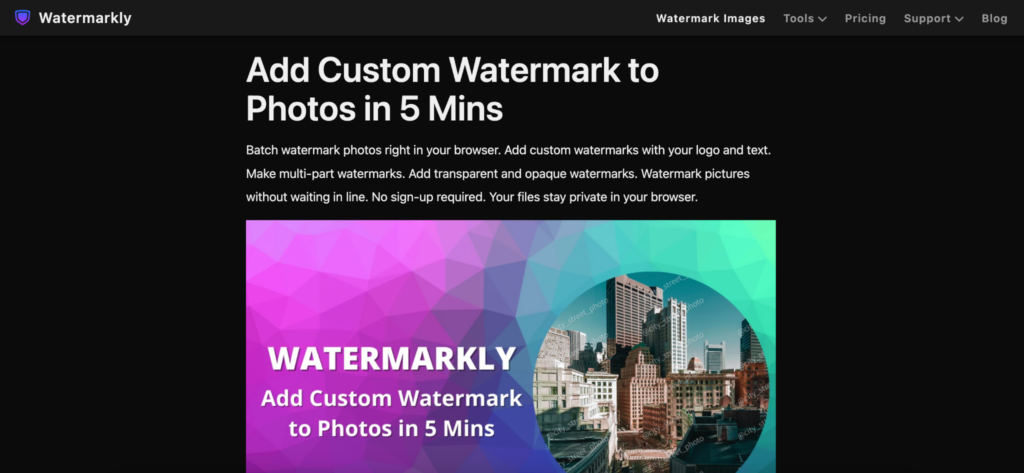
Watermarkly feels less like traditional PDF software and more like a lightweight utility built for one specific job.
That turns out to be a good thing.
Instead of surrounding users with endless menus and editing panels, the platform keeps the workflow focused. Upload the PDF, place the watermark, adjust the layout, and export the file.
The process moves quickly.
The editor supports:
- Text watermarks
- Logo overlays
- Opacity adjustments
- Flexible placement
- Font customization
- Rotation settings
- Repeating watermark patterns
One thing that stands out is how visual the controls feel. You drag the watermark directly on the page instead of typing positioning values into settings boxes.
A lot of users prefer that immediately.
Watermarkly also works well across phones, tablets, and desktop browsers, which matters now that documents constantly move between devices.
The platform fits naturally into workflows involving:
- Educational PDFs
- Client proposals
- Downloadable products
- Internal documents
- Worksheets
- Branded reports
The free version places Watermarkly branding on exported files. Still, compared to many free PDF tools, the workflow remains surprisingly unrestricted.
2. Smallpdf
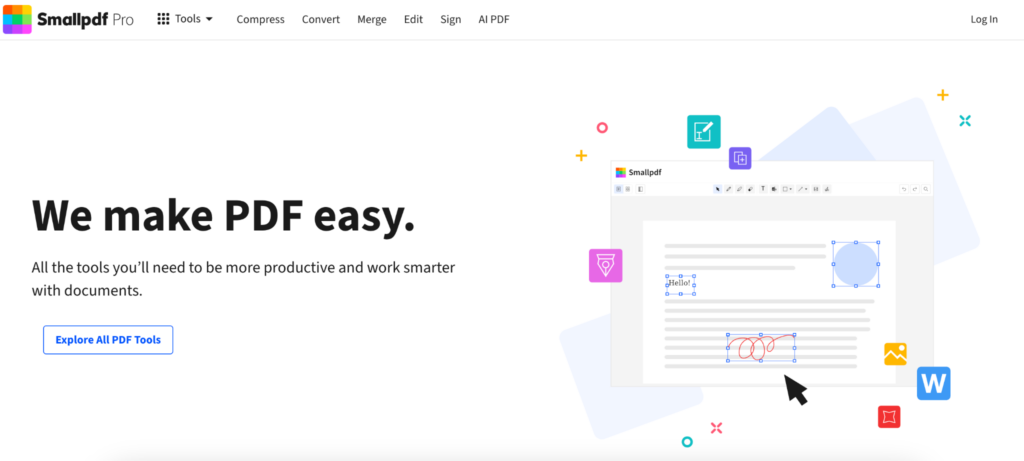
Smallpdf understands something a lot of PDF companies still miss.
Most people do not want to learn PDF software.
They want to finish one task and leave.
That philosophy shows up throughout the interface. Everything feels intentionally simplified without becoming childish or stripped down.
The watermark tool supports:
- Text overlays
- Transparency adjustments
- Font customization
- Rotation controls
The platform works directly in the browser and runs smoothly on both desktop and mobile devices.
Smallpdf is especially popular among casual users because nothing about the interface feels intimidating. You open the page and immediately understand where to click.
3. iLovePDF
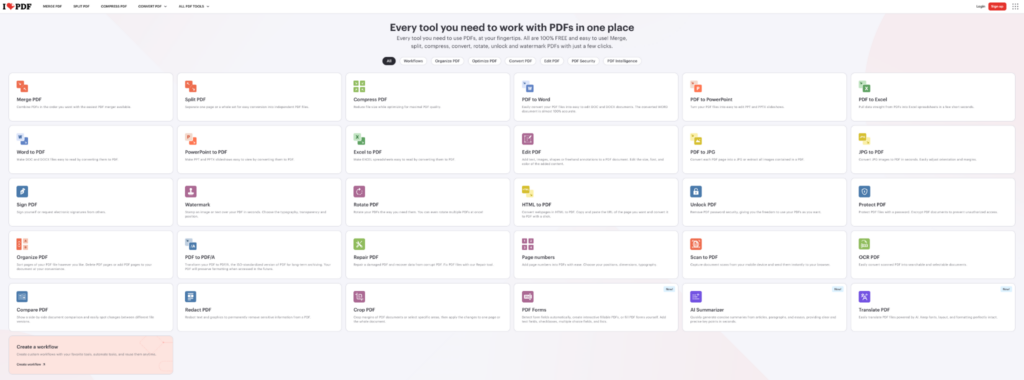
There is a reason iLovePDF became one of the most commonly bookmarked PDF sites online.
Convenience.
People often arrive for one tool and end up using the platform for everything else too. Compressing files, merging pages, converting documents, adding watermarks. It all sits inside the same ecosystem.
The watermarking process itself is extremely straightforward:
- Upload the PDF
- Add text or image watermark
- Adjust placement
- Export the file
iLovePDF includes:
- Text overlays
- Image watermarks
- Opacity controls
- Page selection tools
- Cloud integrations
The interface feels predictable, which matters more than flashy design in this category. Users tend to return to tools that behave exactly how they expect.
4. Sejda
Sejda feels more detailed than most lightweight browser editors.
That is usually either exactly what people want or slightly more than they need.
The platform gives much better placement control than many free competitors, especially for users working with reports, contracts, or multi-page documents where consistency matters.
Its watermarking features include:
- Flexible positioning
- Custom page ranges
- Text and image support
- Transparency controls
- Layered overlays
The editor definitely leans more toward structured document editing than quick, casual tasks, though the interface still stays cleaner than older desktop software.
5. PDF Candy
PDF Candy does not look especially polished compared to newer platforms.
Oddly enough, that barely matters once the workflow starts.
The tool is practical, easy to understand, and handles most standard watermarking tasks without making the process complicated.
The editor supports:
- Text watermarks
- Image overlays
- Opacity controls
- Rotation settings
- Size adjustments
A lot of users keep PDF Candy around because it also handles small document tasks surprisingly well.
Things like:
- Rearranging pages
- Splitting PDFs
- Compressing files
- Converting formats
Not every useful tool needs a perfectly modern interface.
6. Canva
Canva is not technically a PDF watermarking platform, though creators use it for that constantly.
Especially people selling digital products.
A workbook, ebook, printable guide, template, or planner usually already exists inside Canva anyway. Adding a watermark there feels natural because the branding tools are stronger than most PDF editors.
Canva works especially well for:
- Ebooks
- Worksheets
- Presentations
- Templates
- Downloadable guides
Typography options are better. Logo placement feels smoother. The overall editing experience feels more visual than administrative.
The downside is speed. Canva becomes less convenient once somebody starts processing large batches of documents.
7. PDF24 Tools
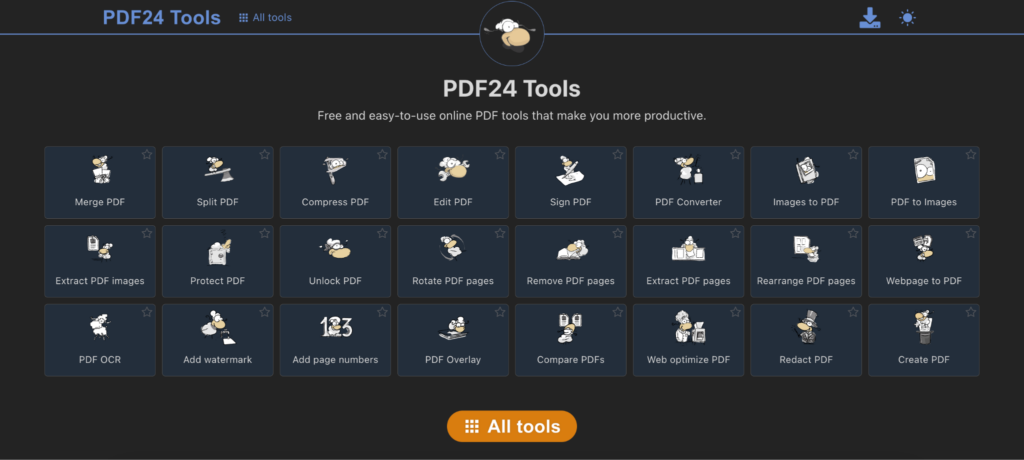
PDF24 feels more utilitarian than polished.
The interface is not particularly modern, though the platform still has a loyal user base because it handles straightforward PDF tasks reliably.
The watermark tool supports:
- Text watermarks
- Image overlays
- Page customization
- Basic positioning controls
- Multi-page editing
For office work and internal documents, PDF24 often ends up being more than enough.
It is also one of the few free tools that still feels fairly generous without aggressively limiting every workflow.
8. Soda PDF
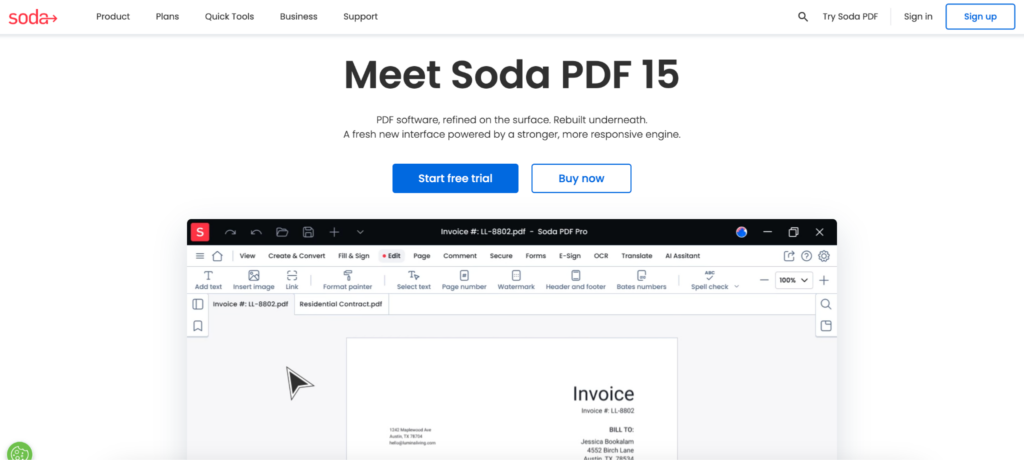
Soda PDF sits closer to office-oriented document software than minimalist browser editors.
Even the free version feels more structured than casual.
The platform includes:
- Watermark templates
- Batch-friendly workflows
- Page targeting
- Document organization tools
- Cloud integration
Compared to lightweight editors, Soda PDF definitely feels heavier. But for users regularly handling contracts, reports, or internal company files, the extra structure can actually make workflows easier long term.
Free PDF tools usually reveal their limits very quickly
A lot of platforms feel free only until the workflow becomes slightly more demanding.
One document works fine. Then somebody uploads a larger file, tries batch processing, or needs more customization, and suddenly the restrictions appear everywhere.
Some free editors limit:
- File size
- Number of exports
- Batch uploads
- Page count
- Watermark customization
- Processing speed
That does not necessarily make them bad tools. It just means different platforms work better for different situations.
Someone watermarking a single worksheet every few days probably will not notice the same limitations that frustrate a business team processing contracts daily.
Why watermarking became more about branding than protection
Originally, most people associated watermarks with copyright protection. Now branding matters just as much.
A branded PDF continues carrying the creator’s logo long after the original upload. Agencies watermark drafts before client approval. Businesses add subtle overlays to internal documents so files remain recognizable when shared between teams.
The watermark itself became part of the visual identity. That changed what users expect from these tools. Placement matters more. Typography matters more. Customization matters more. People care about whether the watermark actually looks good inside the document.
Watermarking works best when the software stays out of the way
Most people searching for a free PDF watermark tool are not looking for advanced publishing software. They simply need something practical that handles the task without turning it into extra work.
That is why browser-based editors became so common. They fit everyday workflows better than traditional desktop applications for smaller document tasks.
Some tools focus more on branding and visual flexibility. Others lean toward office productivity or structured document handling. Watermarkly stands out because the workflow feels uncomplicated from the beginning, especially for freelancers, educators, creators, and small businesses that need something intuitive without paying for enterprise software immediately.
At this point, convenience matters almost as much as features. People usually keep using the tools that help them finish the job quickly and move on.